Vector vs Raster
Want to sound like a production pro? In the promotional product industry, the quality of your final swag is only as good as the art you start with.
Welcome to our Digital Art 101 series! Today, we are clearing up the most common art confusion we see: the difference between Vector and Raster files.
While almost all manufacturing processes require Vector art, many cannot use Raster. Knowing the difference will save you time, headaches, and ensure your brand looks flawless.
📐 Vector Art (The Industry Standard)
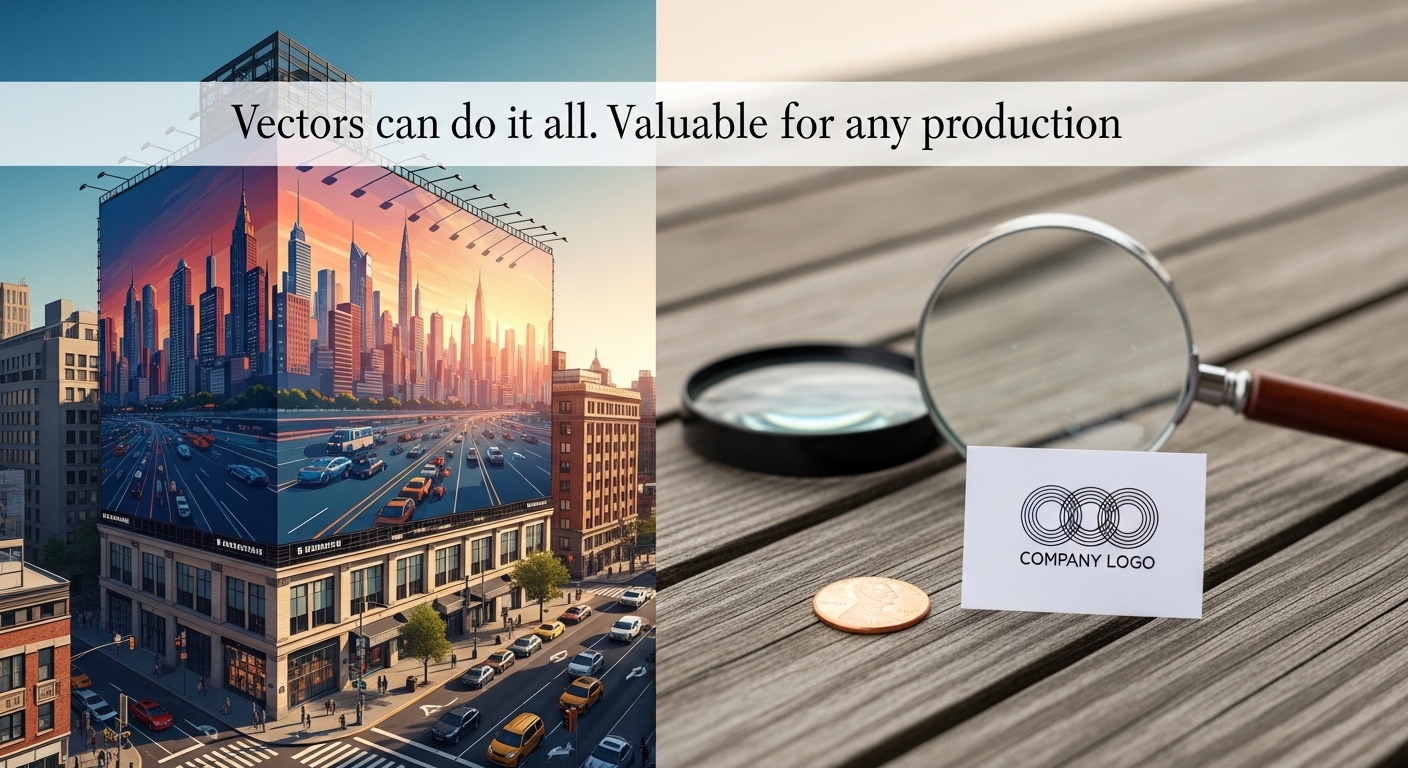
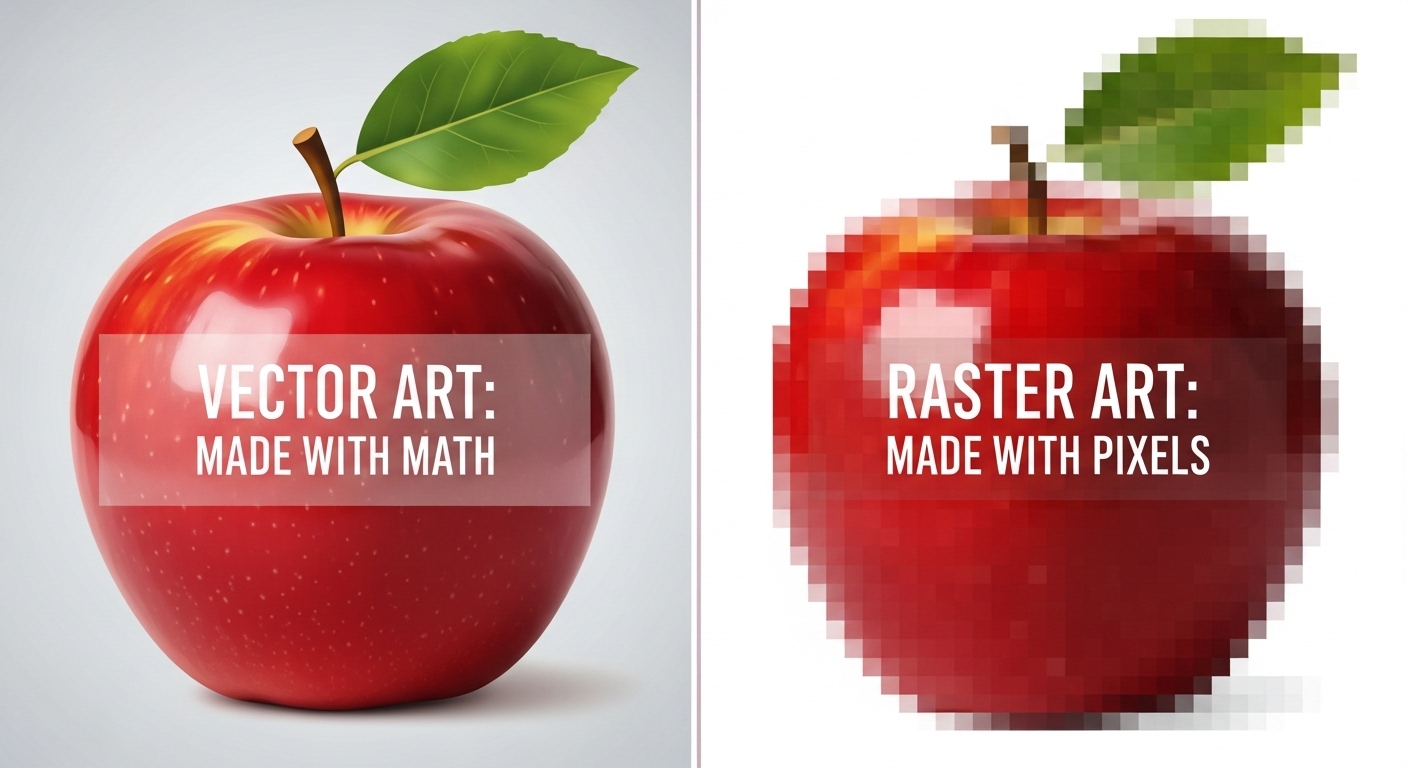
What it is: Vector art is created using mathematical curves, lines, and points rather than pixels. The Superpower: Because it relies on math instead of tiny squares, vector art is infinitely scalable. You can shrink it to fit on a penny or blow it up to fit on a billboard, and it will never lose quality or get blurry. Where it's made: Adobe Illustrator, Affinity Designer, or CorelDraw. Common File Types: .AI, .EPS, .SVG, and sometimes .PDF. When you need it: Vector art is strictly required for:
-
Silk-screen apparel
-
Laser engraving (tumblers, pens)
-
Pad printing
-
Debossing and metal molds
-
🖼️ Raster Art (The Pixel Problem)
What it is: Raster art is made up of thousands of tiny colored squares called pixels. Think of a digital photograph. The Limitation: Raster quality is fixed. If you try to take a small image and blow it up to fit on a tote bag, those tiny squares stretch, resulting in a blurry, jagged, pixelated mess. Where it's made: Adobe Photoshop, standard digital cameras, and most web graphics. Common File Types: .JPG, .PNG, .GIF. When you can use it: Raster art is acceptable only for full-color digital printing, such as:
-
Offset printed paper products (stickers, door hangers, business cards)
-
Full-color plastic cards or buttons
-
Colorsplash drinkware The Golden Rule: If you are printing a Raster image, it MUST be at least 300 dpi (dots per inch) at the actual physical size it will be printed. If it looks blurry on your screen at 100%, it will print blurry on your product.
🛑 The "Canva" Elephant in the Room
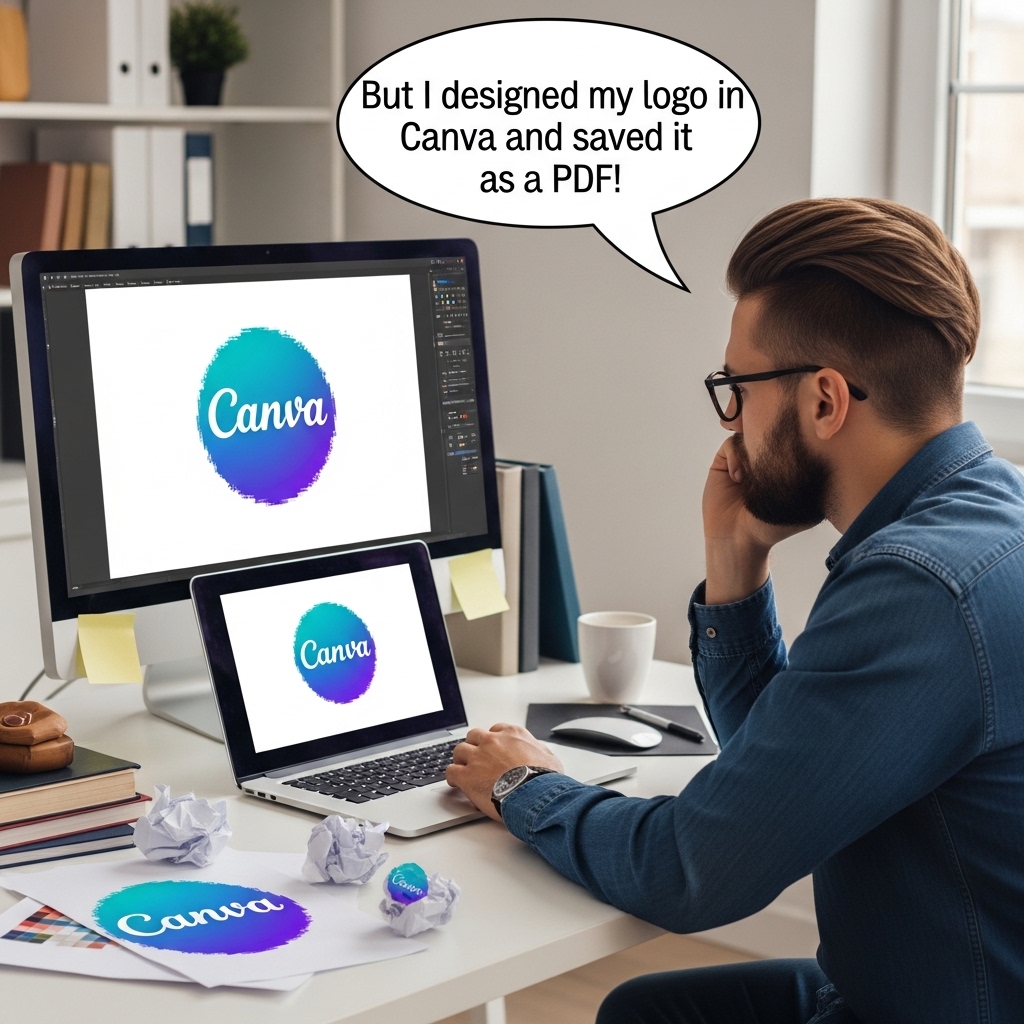
We hear this every day: "But I designed my logo in Canva and saved it as a PDF!" Canva is a fantastic tool for designing Instagram posts and flyers. However, it is primarily a Raster-based program. When you download a standard PNG or JPG from Canva, it is made of pixels.
Pro-Tip: Simply renaming a .JPG to an .EPS, or pasting a pixelated image into a PDF document, does not magically turn it into a Vector. It just puts a raster image inside a vector envelope!
If you are using Canva, you must have a Canva Pro account and specifically select "SVG" when downloading to get a true vector file—and even then, it only works if the original elements you used inside Canva were vectors to begin with!
Still unsure? We've got your back.
As always, Cowgirl Promos is here to help. You don't have to be a graphic designer to get great swag. If you aren't sure if your art is "up to snuff," send it in with your quote request. We will review your files and tell you exactly what is needed to make the highest quality end product!
Stay tuned for our next blog, where we will show you a quick trick to test if your art is Vector or Raster in less than 5 seconds.